

iOS & macOS
Beep
Scan it. It’s there. Point your iPhone at a barcode or QR code, and it lands directly in whatever’s open on your Mac — no cable, no spreadsheet macros, no fuss.
Version 0.2 · notarized by Apple · pairs with the Beep iPhone app
The good parts of a USB barcode scanner, without the cable.
Most stock-take and barcode apps feed clunky spreadsheet integrations that break constantly and take an age to set up. Beep skips all of that: your iPhone does the scanning, a small menu-bar app on your Mac receives it over WiFi and types it straight in, exactly where your cursor already is.
A look at it
How it works
Every standard symbology
QR, EAN, UPC, Code 128/39/93, PDF417, Data Matrix and more, recognised straight off the iPhone camera.
No cable required
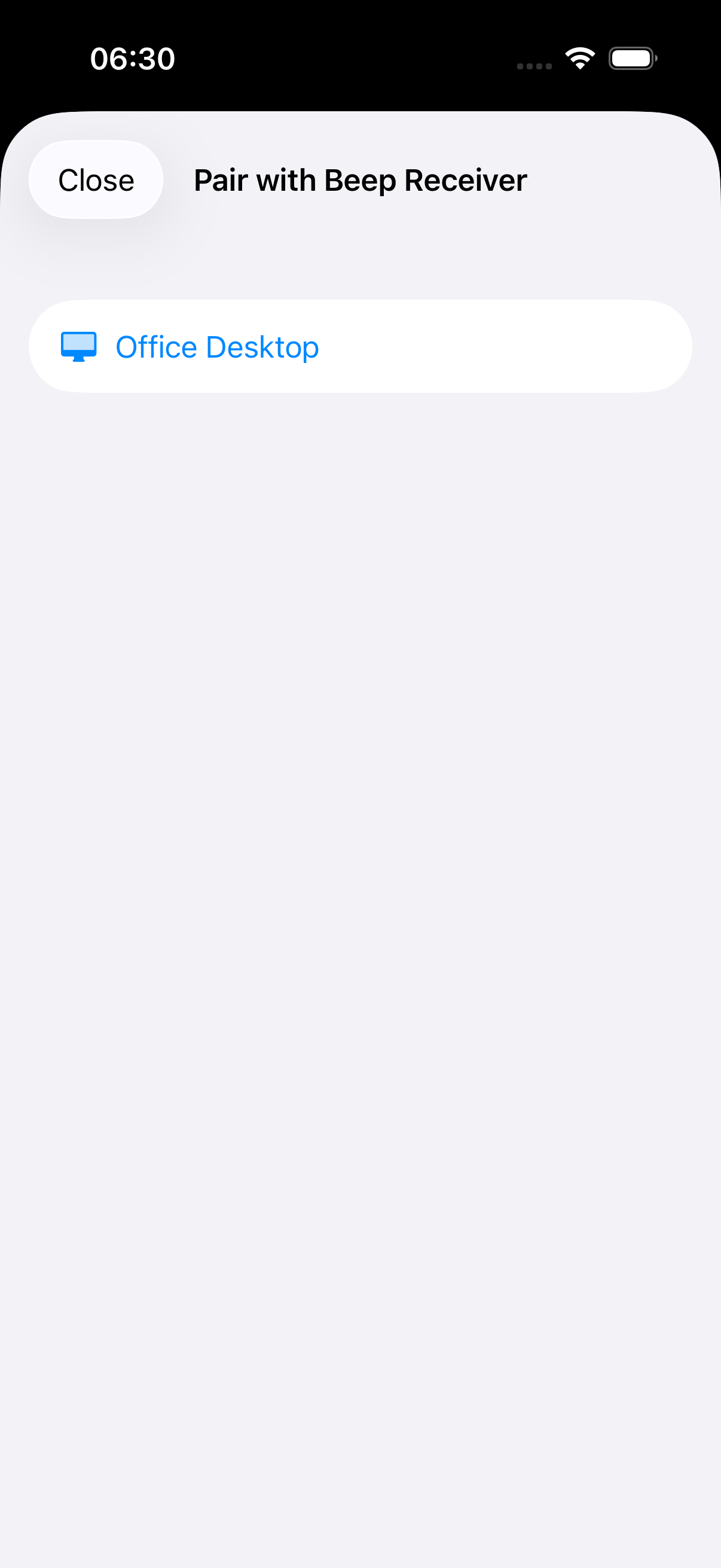
Phone and Mac find each other over WiFi automatically — pair once, and it reconnects on its own after that.
Types into anything
Lands in whatever's focused on your Mac — a spreadsheet cell, a text field, a terminal — the same way a USB scanner gun would.
Newline or CSV
Choose whether each scan presses Return afterward, or gets appended with a comma to build one line yourself — set from the Mac menu bar.
Live tracking + feedback
A bracket follows the code in frame and flashes green on capture, with a beep and haptic tap to confirm.
Scan history
The last few scans stay on screen, swipe to clear one, so you can double check what just went through.
Status
The Mac receiver app is notarized and downloadable above. The iPhone scanner app is a working proof of concept tested on real hardware, but isn’t on the App Store yet — check back here for updates.